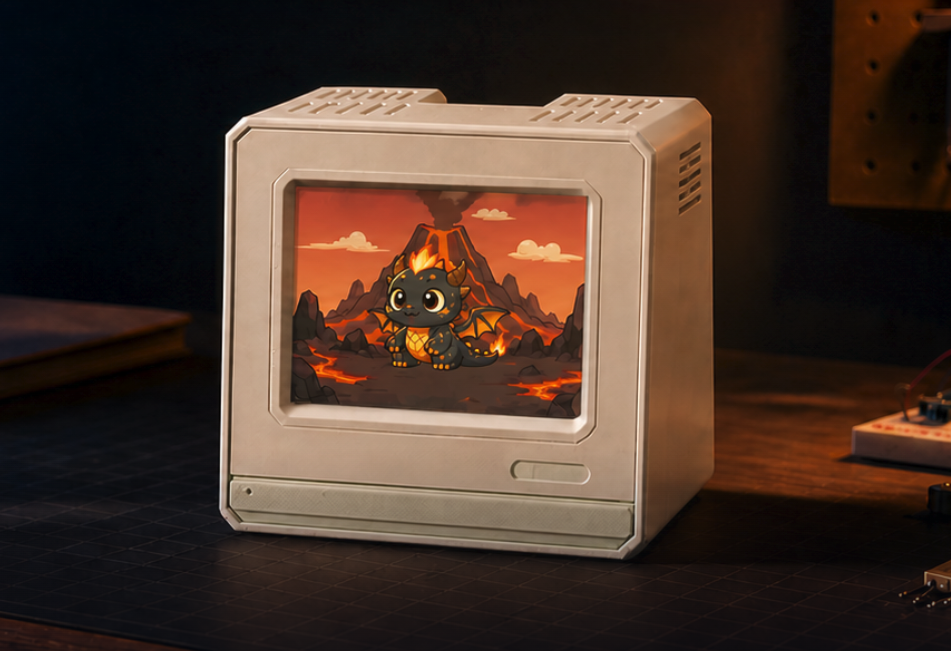
Ember for Mac
Your AI work brings Ember to life.
A tiny desk companion that grows with every Codex and Claude session.
Apple silicon · macOS 14+ · Private by design


 2 · Teen
 3 · Adult
How Ember grows
Feed Ember. Build your streak. Watch it evolve.
Your Codex and Claude activity becomes growth points. Show up consistently to unlock three evolutions. Every form has moods of its own.
 1 · First Spark
 2 · Rising Flame
 3 · Full Flame
Leave Ember on your desk.
USB-C keeps it powered while Bluetooth syncs your Codex and Claude activity.
BluetoothWireless token tracking
USB-CPower only
Updates install automatically.
Download for MacApple silicon · macOS 14+ · Private by design